
Add playlists by file or URL
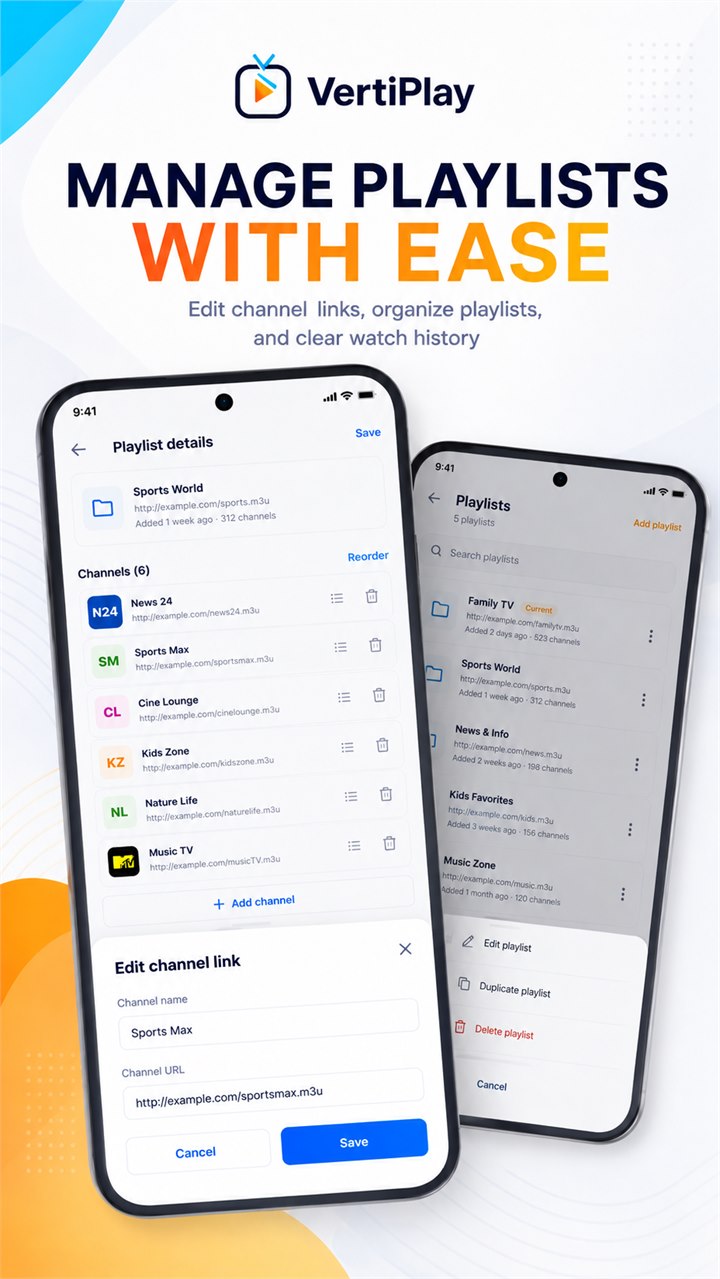
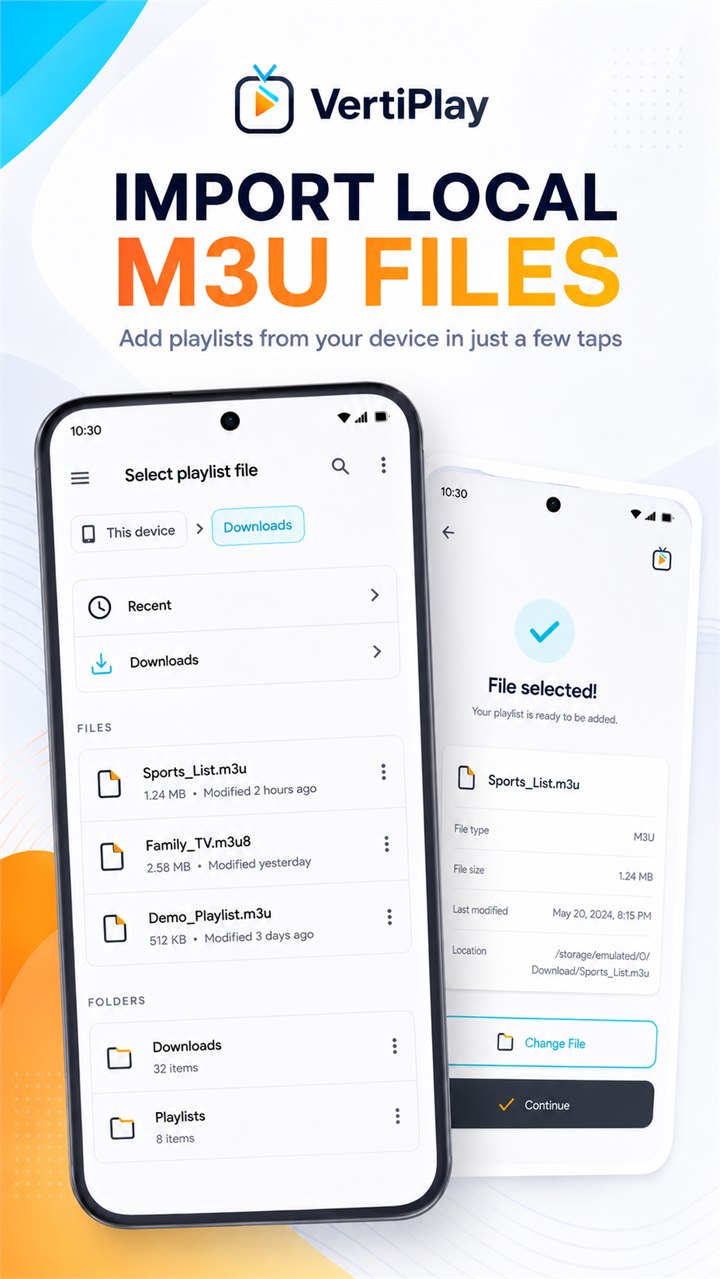
Choose a local M3U or M3U8 file with Android's system picker or enter a playlist URL. VertiPlay parses channel groups, logos, and stream addresses and keeps the playlist state on your device.

Media
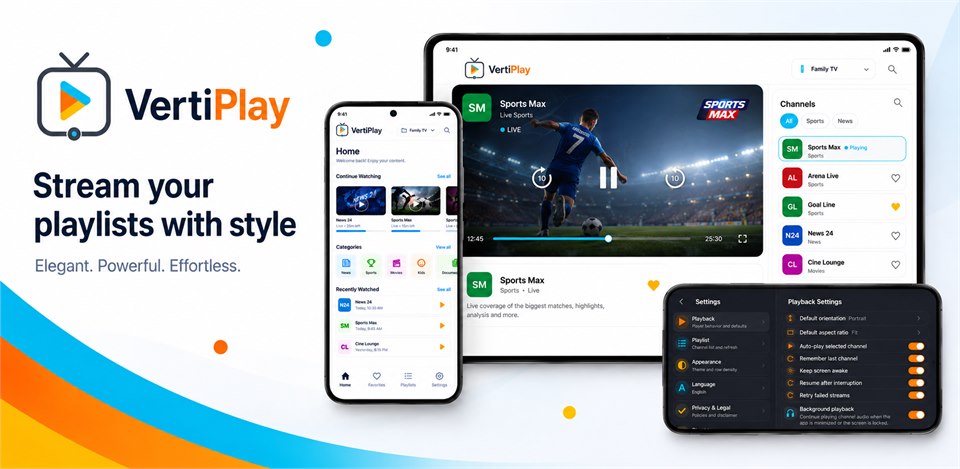
VertiPlay is a portrait-first Android IPTV player for M3U and M3U8 playlists you provide yourself. Add a local playlist through Android's system picker or enter a playlist URL, then browse groups, search channels, save favorites, reopen recent channels, adjust aspect ratio, and continue audio with Android media controls. VertiPlay does not include channels or subscriptions.
Why VertiPlay
Choose a local M3U or M3U8 file with Android's system picker or enter a playlist URL. VertiPlay parses channel groups, logos, and stream addresses and keeps the playlist state on your device.
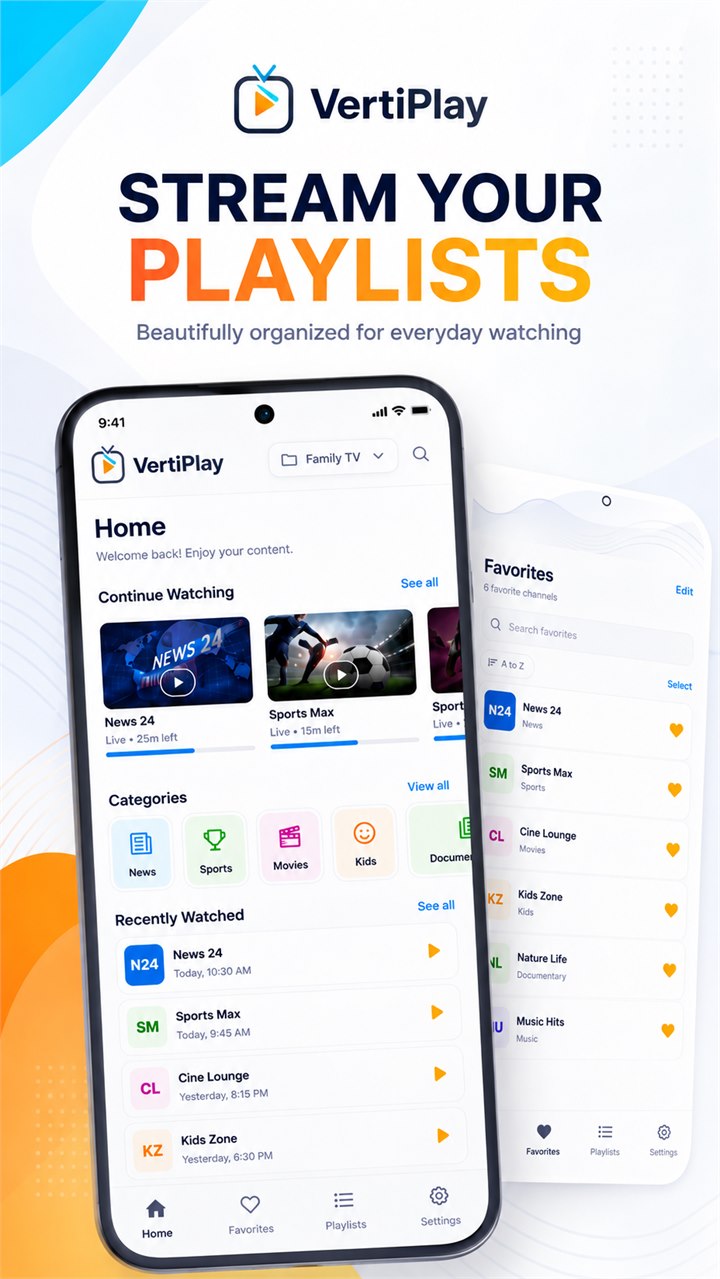
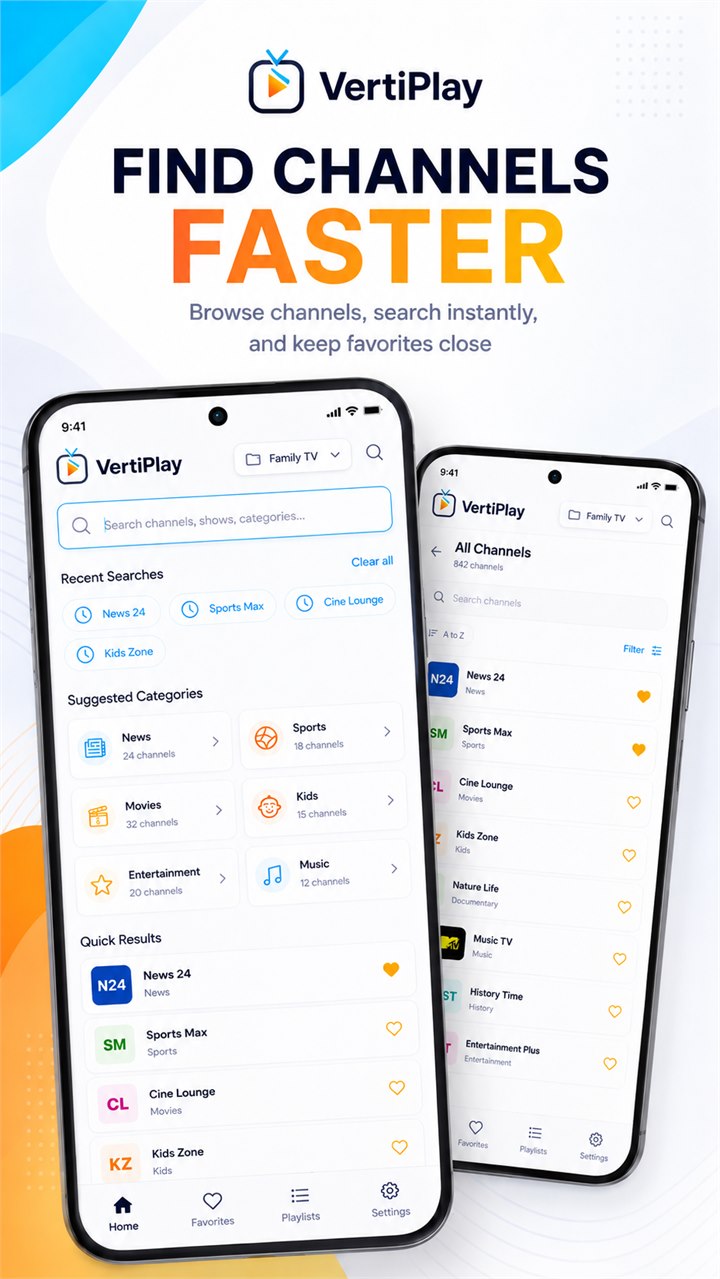
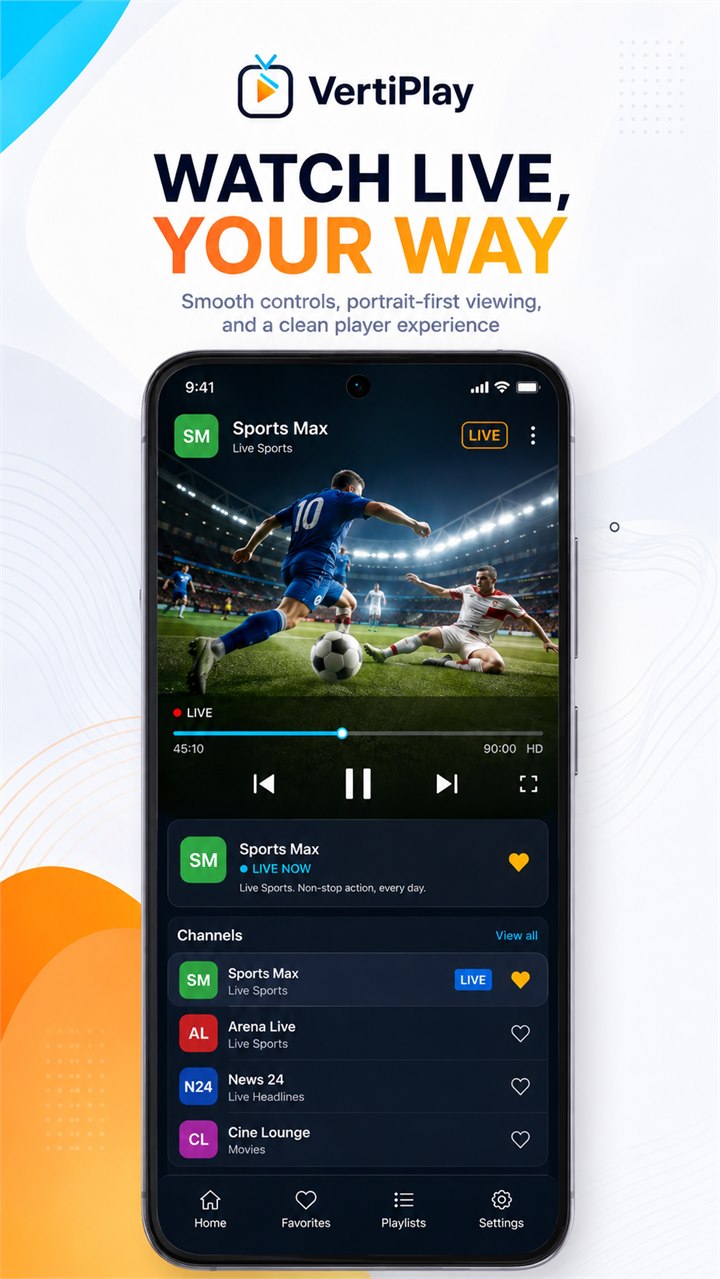
Browse grouped channels, search across the playlist, reopen recently watched channels, save favorites, and keep the experience optimized for portrait-first phone use.
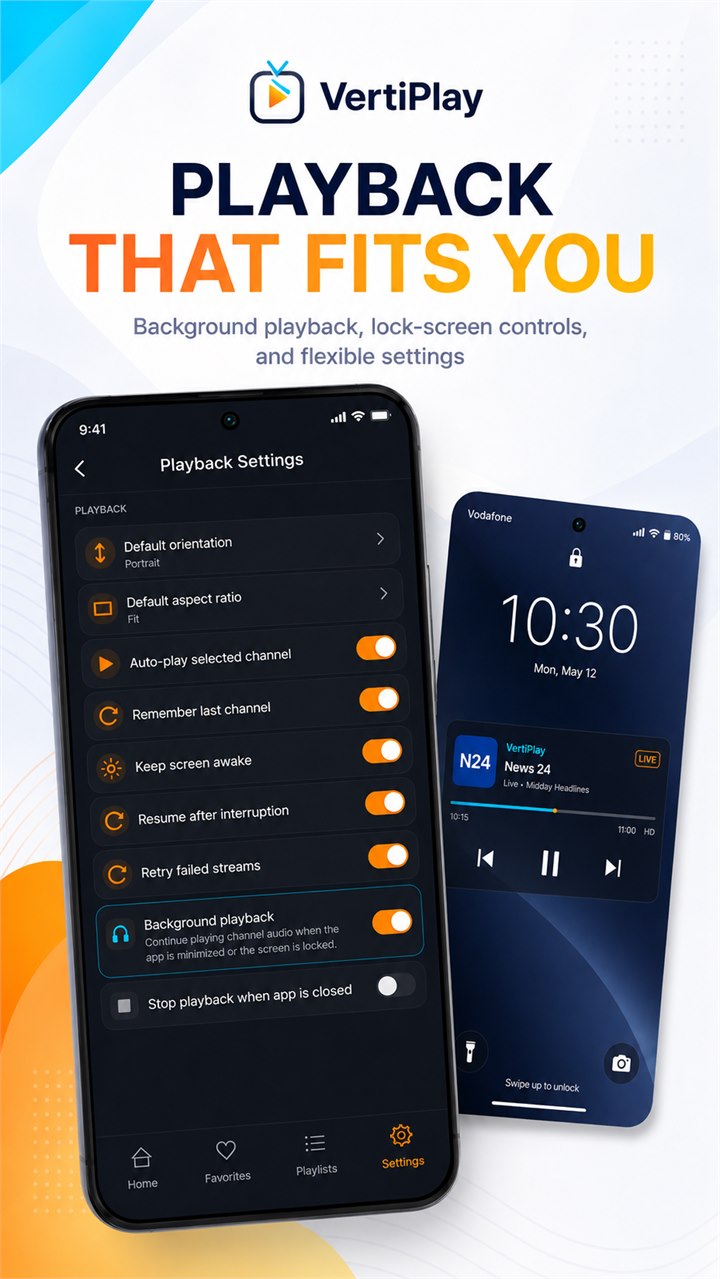
Background playback uses one Media3 player and MediaSession with media notification controls, audio-focus handling, lock-screen controls, and return-to-app preservation.
A portrait-first IPTV player that accepts M3U/M3U8 files or playlist URLs, with groups, channel logos, search, favorites, recent history, aspect-ratio controls, background audio, and Android media notifications. No channels are included.
Android workflow
A polished home screen, favorites, categories, recent channels, and playlist selection keep everyday watching organized around the playlists you provide.
VertiPlay screens
VertiPlay quality
Choose a local M3U or M3U8 file with Android's system picker or enter a playlist URL. VertiPlay parses channel groups, logos, and stream addresses and keeps the playlist state on your device.
VertiPlay privacy
VertiPlay has a dedicated policy describing local storage, permissions, online services, account features, and deletion controls that apply to the product.
What’s new
VertiPlay updates and fixes are shared here when release notes are available.
View all updates arrow_forwardTechnical information
Need help?
Include your device model, Android version, app version, and screenshots when possible.
Open supportEmail supportMore apps you might like

A retail catalog and inventory app for Jeaneth Store with customer browsing, cart flows, admin orders, and stock control.

A local Android sound toolkit for playback enhancement, equalizer presets, speaker checks, and private audio tests.

A precise Android metronome for tempo practice, tap tempo, beat setup, and background playback.